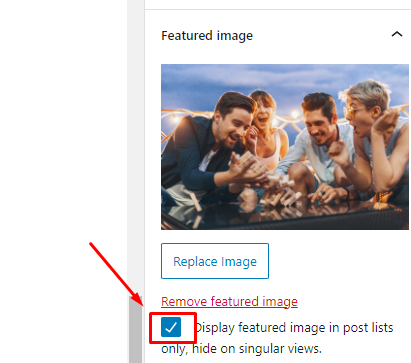
Featured Images (called Post Thumbnails) are used to showcase the post on the home page or blog index page.
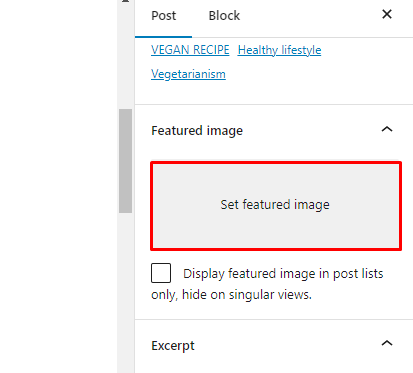
To set the Featured Image, drag an image from your computer and drop it in the gray box.
You can also click the Set featured image box, which opens the Media Library where you can select the image or upload a new image.
Below is a blue flag. Click the Set featured image button to have this image as the Featured Image for the page/post.